

 Sep 16, 2026
 5 min read
QR Codes Explained: How They Actually Work
The QR code was built for the factory floor. In the early 1990s, Japanese manufacturers, car-parts makers among them, were running into the limits of the barcode, which holds only about 20 characters. They asked Denso Wave, then a division of Denso Corporation that made barcode readers, for something better. A two-person development team led by the engineer Masahiro Hara set out to make a code that held far more data and could be read quickly from any angle. Denso Wave released it in 1994 and called it the Quick Response code.
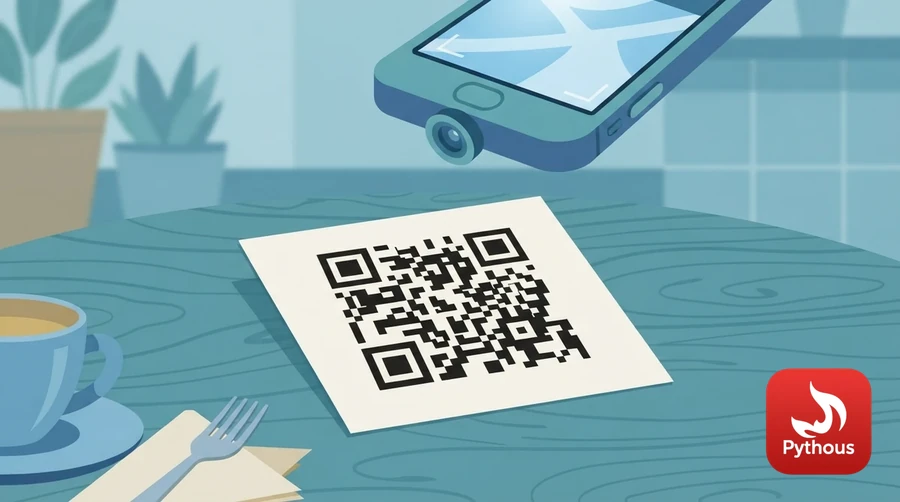
Illustration: the three corner squares let a camera find and straighten the code.
A barcode stores information in one direction only, in the widths of its lines. A QR code stores it in both directions in a grid of black and white squares called modules. The largest version can hold 7,089 digits, or about 2,950 bytes of arbitrary data. Denso Wave patented the design but chose not to enforce the patent, which is a large part of why the format spread. It is now an international standard, ISO/IEC 18004.
How a camera finds it
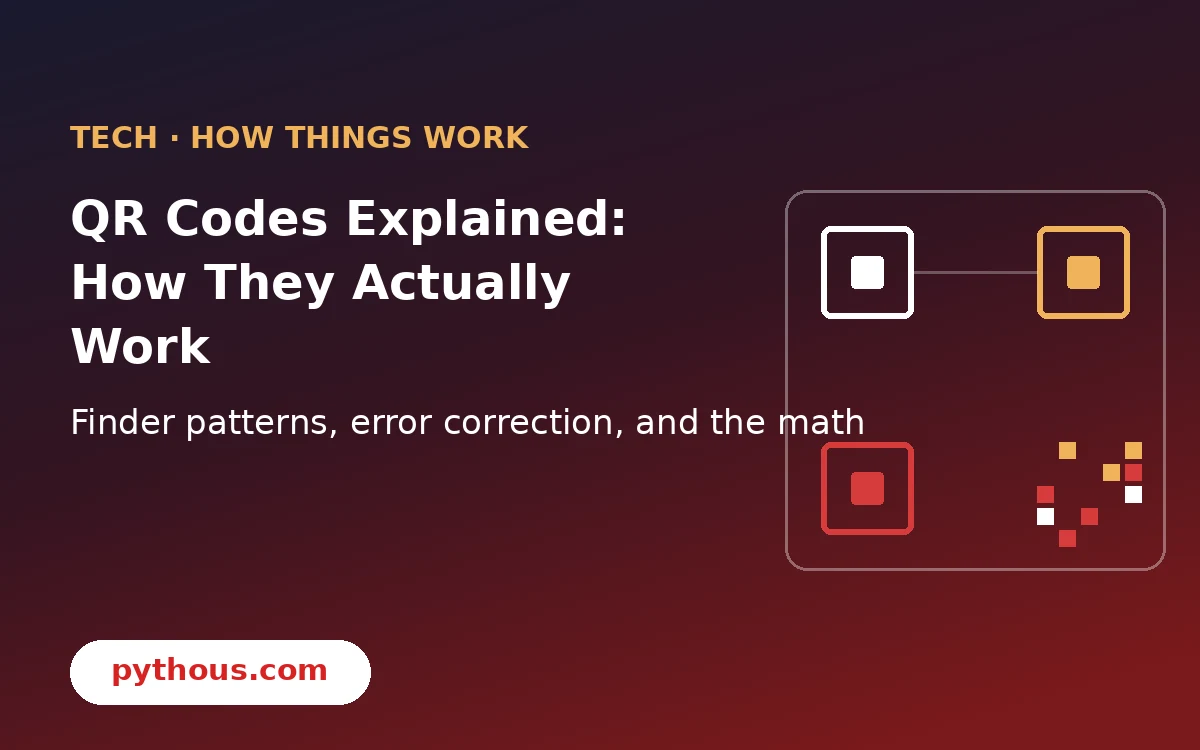
Every QR code has the same fixed landmarks around the data. The three large squares in the corners are finder patterns. Their proportions are deliberate: a line through the centre of each one crosses dark, light, dark, light and dark modules in the ratio 1:1:3:1:1, so software can find the squares quickly at any rotation. Hara's team chose that ratio after surveying large amounts of printed matter for the pattern of black and white least likely to turn up by chance. Because there are three corners marked and not four, the scanner also knows which way up the code is.
Between the finder patterns run two lines of alternating modules, the timing patterns, which let the decoder count the rows and columns. Larger codes add smaller squares called alignment patterns, which help correct for distortion when the code is on a curved bottle or photographed at an angle. Next to the finders sit strips of format information, recording which error-correction level and which mask were used.
Codes come in 40 sizes, called versions. Version 1 is 21 modules square; each version adds four modules per side, up to 177 by 177 for version 40. A typical web address fits in version 3 or 4.
Turning text into squares
The encoder first picks a mode that suits the content. Numeric mode packs three digits into 10 bits. Alphanumeric mode handles digits, capital letters and a few symbols, two characters to 11 bits. Byte mode takes any data, including UTF-8 text, at 8 bits a character, and there is a kanji mode for Japanese. This is why a code holding only a phone number can be smaller than one holding a short web address in lower case.
The data is then cut into 8-bit codewords and extra codewords are added using Reed-Solomon error correction, a method published by Irving Reed and Gustave Solomon in 1960 and also used on CDs, DVDs and in deep-space communication. The extra codewords are calculated from the data in such a way that if some codewords are lost or damaged, the originals can be worked out from the rest.
There are four levels to choose from. Level L can restore about 7 per cent of the codewords, M about 15 per cent, Q about 25 per cent and H about 30 per cent. More protection leaves less room for data. Level H is what lets companies print a logo over the middle of a code: the covered area is simply treated as damage, and the error correction fills it in.
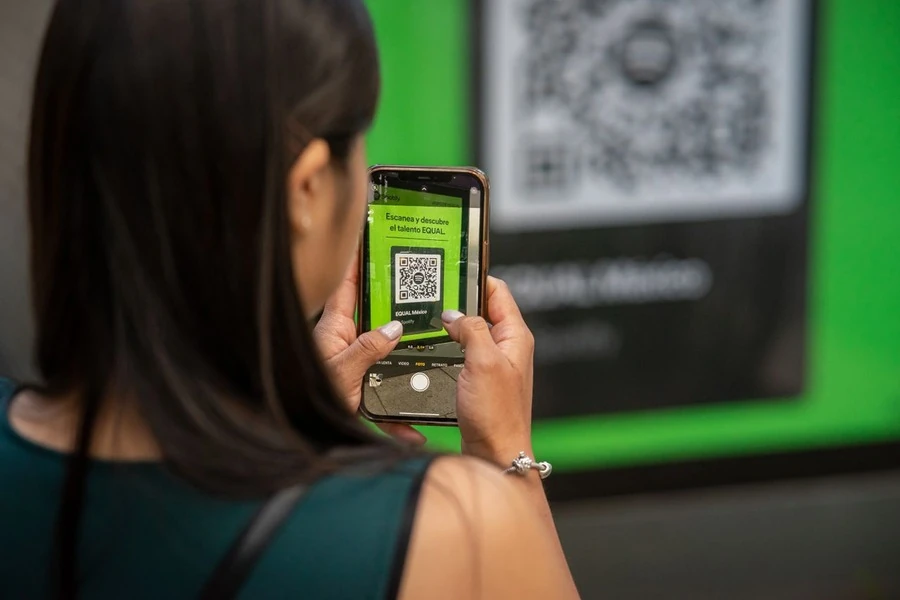
QR codes took off once phone cameras could read them without a separate app. Photo: Julio Lopez / Pexels
Last, the bits are laid into the grid in a zigzag of two-module-wide columns, starting at the bottom right, and one of eight mask patterns is applied. A mask flips modules according to a simple rule, such as every module where the row plus the column is even. The encoder tries all eight and scores each result, penalising large blocks of one colour and anything that looks like a finder pattern, then keeps the mask with the lowest score. The decoder reads which mask was used from the format information and undoes it.
The Pythous QR code generator is a quick way to see this in action. Encode a short number, then a long web address, and watch the grid grow from one version to the next.
From factories to restaurant tables
For many years QR codes were common in Japan and China and rare elsewhere, partly because reading one meant installing a separate app. That changed when phone makers built a reader into the camera. Apple added it to the iPhone camera with iOS 11 in 2017, and Android phones followed. During the Covid-19 pandemic, restaurants, venues and contact-tracing apps adopted them almost overnight, and they stayed.
The same feature that makes them convenient, a destination you cannot read with your eyes, makes them useful to scammers. Fake QR stickers pasted over the real ones on parking meters and electric-car chargers have sent people to fraudulent payment pages, and phishing emails now carry QR codes because a picture is harder for email filters to inspect than a link. Most phone cameras show the web address before opening it. Read it before you tap, especially on a code stuck to something in a public place.
A code that directly contains a web address or text never expires; it will scan the same way as long as it can be printed. Some services sell "dynamic" codes that point to a short link on their own servers so the destination can be changed later. Those stop working if the service shuts down or the subscription lapses, which is worth knowing before printing one on a thousand menus.
Sources
- Denso Wave, "History of QR Code", QRcode.com. https://www.qrcode.com/en/history/
- Denso Wave, "Information capacity and versions of QR Code", QRcode.com. https://www.qrcode.com/en/about/version.html
- Denso Wave, "Error correction feature", QRcode.com. https://www.qrcode.com/en/about/error_correction.html
- International Organization for Standardization, ISO/IEC 18004:2024, "QR code bar code symbology specification". https://www.iso.org/standard/83389.html
- I. S. Reed and G. Solomon, "Polynomial codes over certain finite fields", Journal of the Society for Industrial and Applied Mathematics 8 (1960): 300–304. https://doi.org/10.1137/0108018
- Thonky.com, "QR code tutorial" (a step-by-step walk through encoding, masking and format bits). https://www.thonky.com/qr-code-tutorial/






Comments (0)
Leave a Reply
Log in to post a comment.