

 Sep 16, 2026
 5 min read
How HTTPS Actually Keeps You Safe: TLS Explained
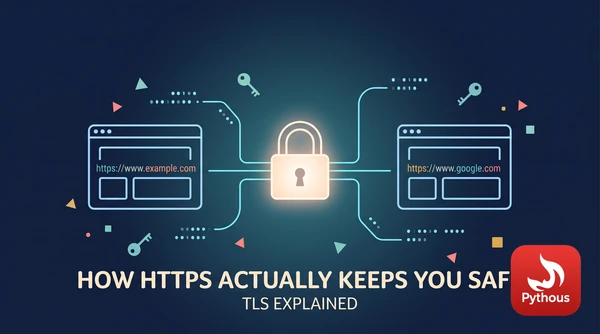
With plain HTTP, every request your browser sends crosses the network as readable text: the address of the page, the form you filled in, the cookie that keeps you logged in. Anyone in a position to see the traffic can read it, including the person running the café Wi-Fi, a compromised home router or an internet provider. They can also change it on the way, for instance by injecting adverts or malware into a page. That is the problem HTTPS was built to solve.
HTTPS is ordinary HTTP carried inside a protocol called TLS, Transport Layer Security. TLS replaced Netscape's SSL in 1999, which is why people still say "SSL certificate". The current version, TLS 1.3, was published by the Internet Engineering Task Force as RFC 8446 in August 2018. It does three things: it encrypts the traffic, it detects any tampering, and it lets your browser check that it is talking to the real server for that domain.
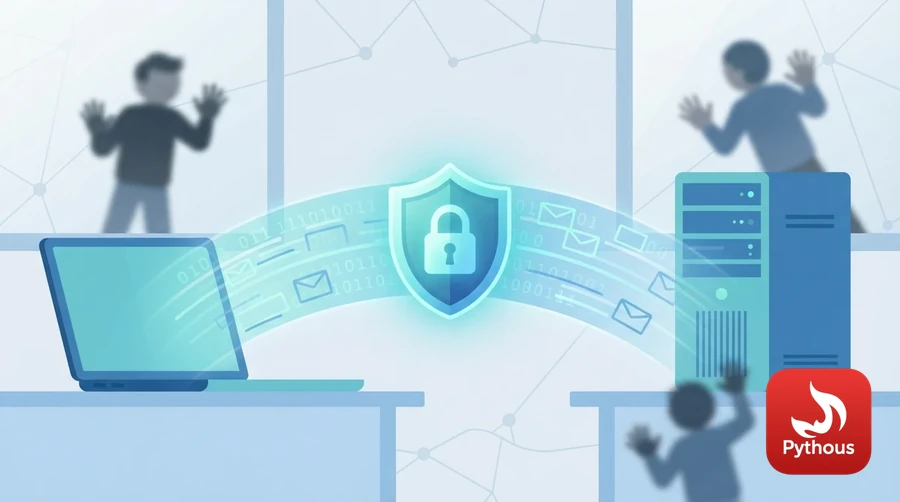
Illustration: TLS wraps the data between your browser and a website in encryption.
The key problem
Encrypting a whole web page needs a fast cipher, and fast ciphers are symmetric: the same secret key locks and unlocks the data. AES and ChaCha20, the two used in TLS 1.3, can encrypt gigabytes a second on a modern laptop. The difficulty is that your browser and the server have never met. They need to agree on a secret key over a network that an eavesdropper can already see.
The way round this was published in 1976 by Whitfield Diffie and Martin Hellman. In their key exchange, each side picks a private random number and sends the other a public value derived from it. Each side combines its own private number with the other's public value, and both arrive at the same result. Someone who sees both public values cannot work out the shared secret without solving a problem believed to be practically impossible at the sizes used. TLS 1.3 uses a modern version of this based on elliptic curves, usually one called X25519. Since late 2024 Chrome has also mixed in a newer method, ML-KEM, designed to resist future quantum computers, and other browsers have followed.
What happens in the first fraction of a second
In TLS 1.3 the setup, called the handshake, usually takes a single round trip:
- Your browser sends a "ClientHello": the cipher suites it supports, a random number and its half of the key exchange, guessing which method the server will choose.
- The server replies with its own half of the key exchange. From this point both sides can compute the shared keys, and everything after is encrypted, including the server's certificate.
- The server sends its certificate and a signature made with the certificate's private key over the whole conversation so far. That proves it holds the key, not just a copy of the certificate.
- Your browser checks that the certificate names the domain you asked for, has not expired, and is signed, through a chain, by a certificate authority that your operating system or browser trusts. Then both sides send a "Finished" message and the page starts loading.
You can watch this yourself. On a computer with OpenSSL installed, run openssl s_client -connect pythous.com:443 -tls1_3 and it prints the certificate chain, the protocol version and the cipher that was agreed, typically TLS_AES_256_GCM_SHA384 or TLS_AES_128_GCM_SHA256.
One consequence of using a fresh key exchange every time is called forward secrecy. Even if a server's private key is stolen years later, recordings of old conversations cannot be decrypted with it, because the keys that protected them were thrown away. Older versions of TLS allowed a shortcut that lacked this property; TLS 1.3 removed it.
The padlock proves the connection is encrypted and the domain is controlled, not that the site is honest. Photo: Harri Hofer / Pexels
What the padlock does and doesn't tell you
A certificate links a public key to a domain name. For the vast majority of certificates, the certificate authority checks only one thing before issuing it: that the applicant controls the domain, usually by asking them to put a file on the website or a record in its DNS settings. Let's Encrypt, a free, automated authority run by a non-profit, now issues certificates for hundreds of millions of websites this way. That is a large part of why, according to Google's Transparency Report, well over 90 per cent of pages loaded in Chrome now use HTTPS.
The same automation works for anyone. A phishing site on a look-alike address, with a digit 1 in place of a letter l, can get a valid certificate in minutes, and browsers will show it as a secure connection. The padlock means your connection to that domain is private and unaltered. It does not mean the people running the domain are who they say they are, or that they are honest. That is why browsers have mostly stopped showing the padlock prominently, and why checking the domain name itself still matters.
What HTTPS does not protect is also worth knowing. It covers the connection, not the endpoints: malware on your own computer, or a breach of the website's database, is out of its reach. An observer can still see which site you are connecting to, through the DNS lookup and the server's IP address, even though they can't see which page or what you send. And if your browser shows a certificate warning, it means the identity check in step four failed. On a site you care about, that is a reason to stop, not to click through.
Sources
- E. Rescorla, "The Transport Layer Security (TLS) Protocol Version 1.3", RFC 8446, Internet Engineering Task Force, 2018. https://www.rfc-editor.org/rfc/rfc8446
- Whitfield Diffie and Martin E. Hellman, "New directions in cryptography", IEEE Transactions on Information Theory 22 (1976): 644–654. https://doi.org/10.1109/TIT.1976.1055638
- MDN Web Docs (Mozilla), "Transport Layer Security (TLS)". https://developer.mozilla.org/en-US/docs/Web/Security/Transport_Layer_Security
- Google Transparency Report, "HTTPS encryption on the web". https://transparencyreport.google.com/https/overview
- Let's Encrypt, "Let's Encrypt stats". https://letsencrypt.org/stats/


Comments (0)
Leave a Reply
Log in to post a comment.